Install 32 bit driver from the following URL
https://downloads.cloudera.com/connectors/hive-2.5.5.1006/Windows/ClouderaHiveODBC32.msi
Start Excel and run the query wizard

Create a new Data Source
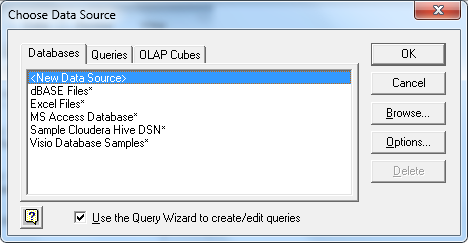
Enter the values shown below
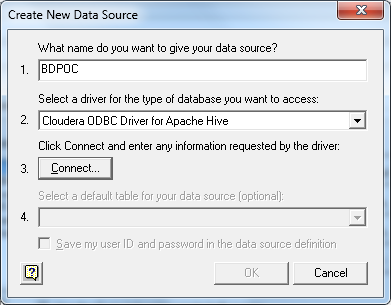
Enter the values shown below

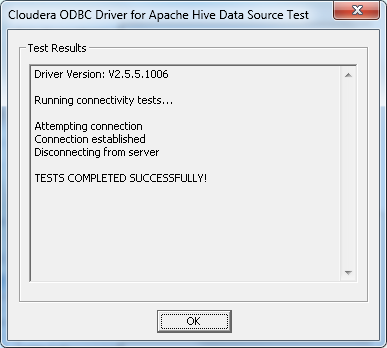
Click the Test button
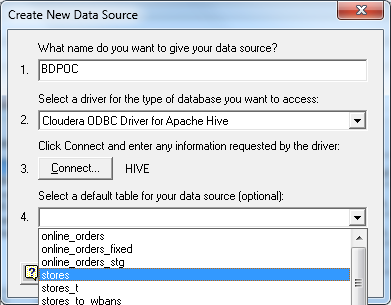
Select the stores table from the dropdown list shown below
Select our newly created data source

Click the right > button to query all columns
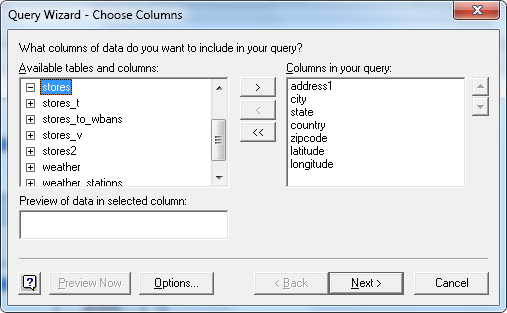
Take the defaults and click OK on the next few windows

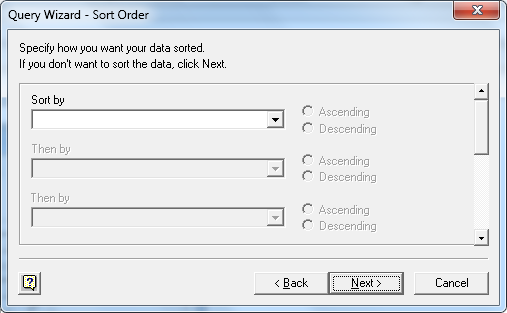

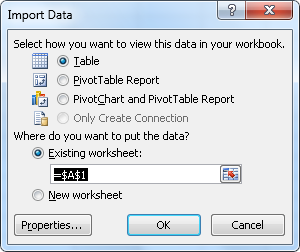
You should see what is below…
